First steps after install
Three things to set up in VΛIN Toolbox once the playbook is applied: your GPU driver, interrupt affinity and the performance settings.
Install your GPU driver from the Toolbox
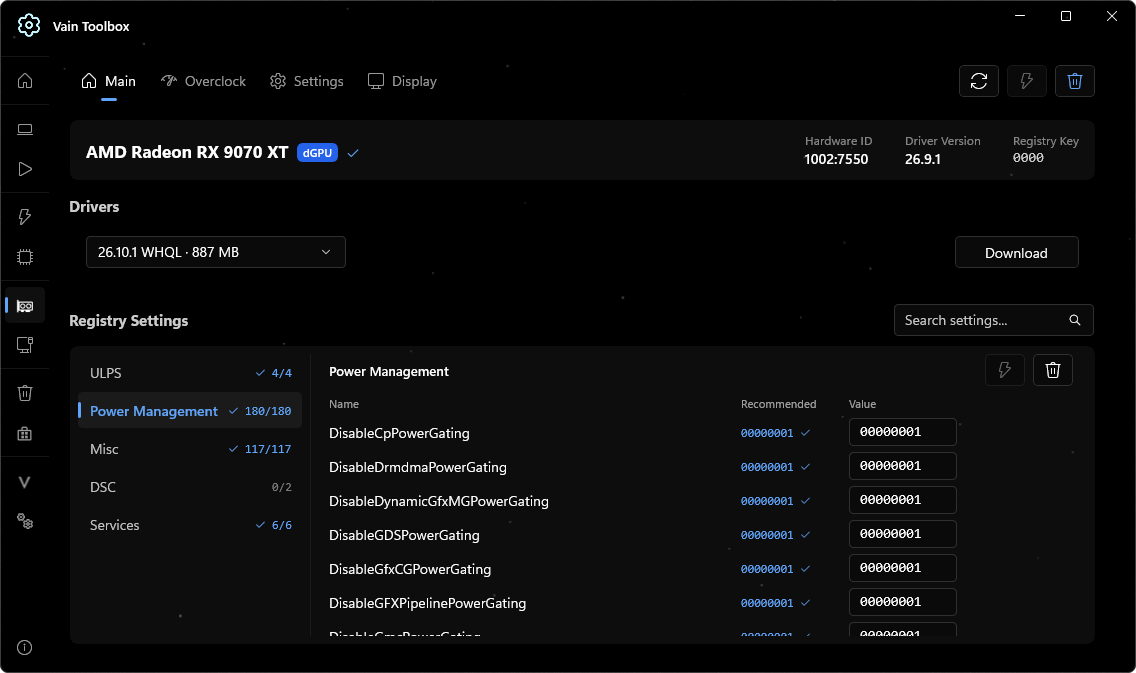
Open VΛIN Toolbox and go to the GPU page. Under Drivers, pick a version from the dropdown, press Download and run through the installation.
Run Optimize on the device list
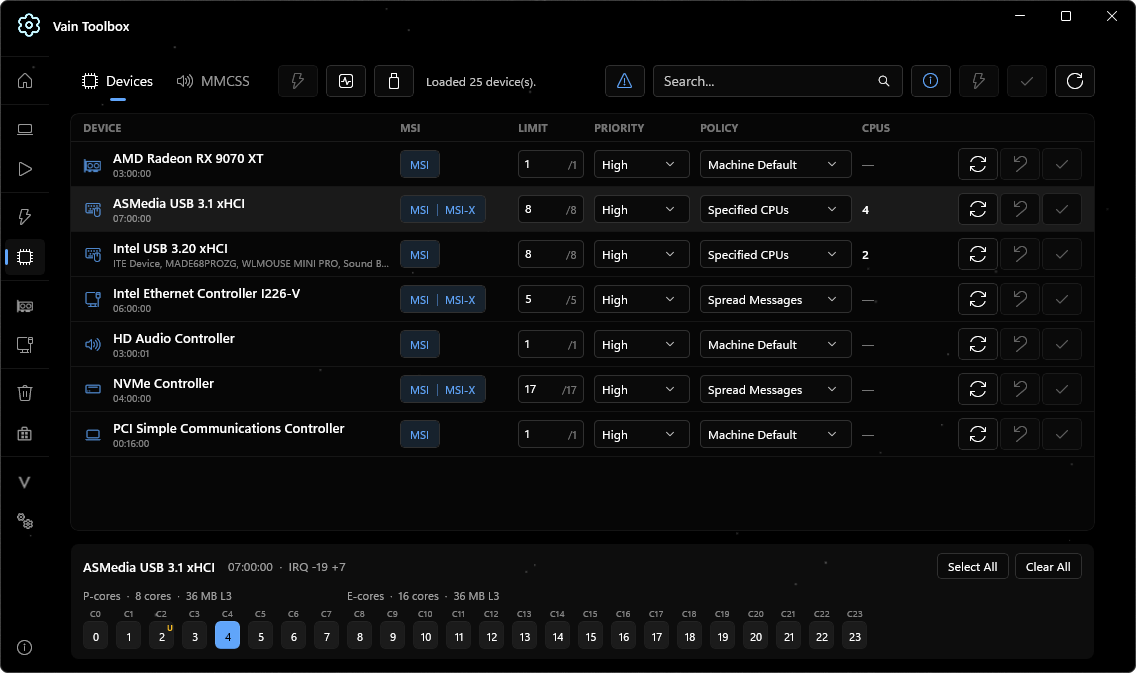
Open the device page and press Optimize, the lightning button at the top. The Toolbox sets the policy, modes and priority for every device, so you do not have to touch the individual rows.
Test HAGS both ways
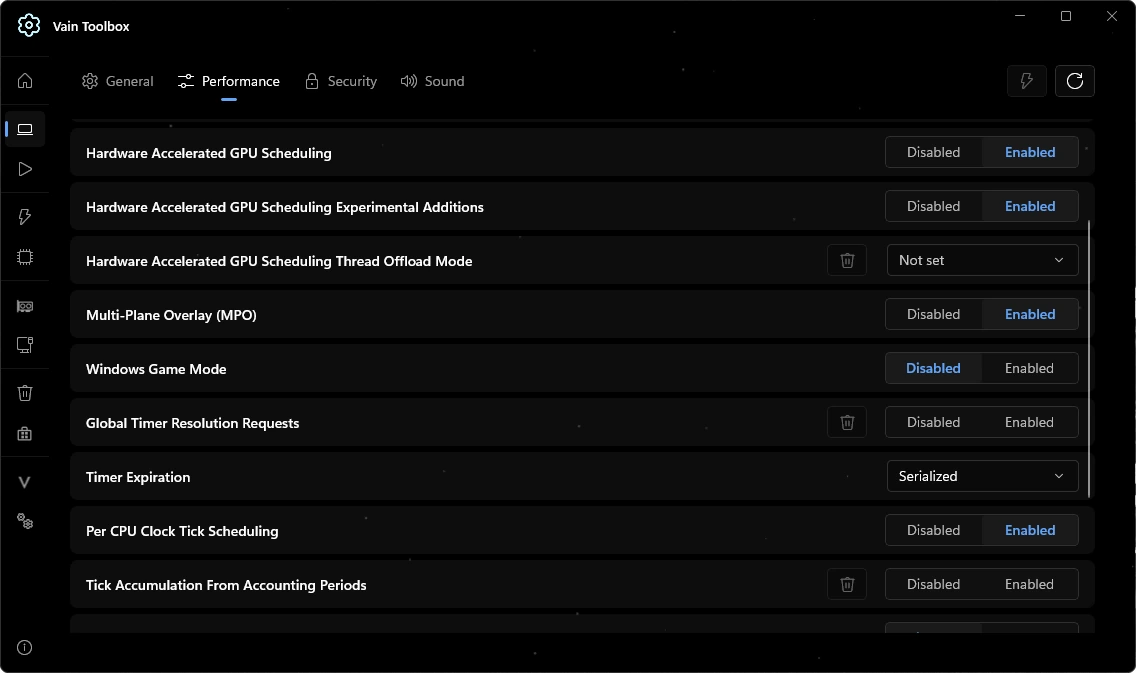
Go to Settings → Performance. Hardware Accelerated GPU Scheduling (HAGS) and its Experimental Additions row are enabled by default. Test both settings and keep whichever runs better on your hardware.